codex-img generates images from the terminal with your ChatGPT subscription
A small Rust CLI that sends your prompt straight to the Codex image endpoint, using the login Codex already saved. No API key, no agent in between, and an Agent Skill so Claude Code and Codex can use it too.
codex-img generates and edits images from the command line with a ChatGPT subscription. It sends your prompt to the same image endpoint the Codex CLI uses, with the login codex login already saved, and writes the result to disk.
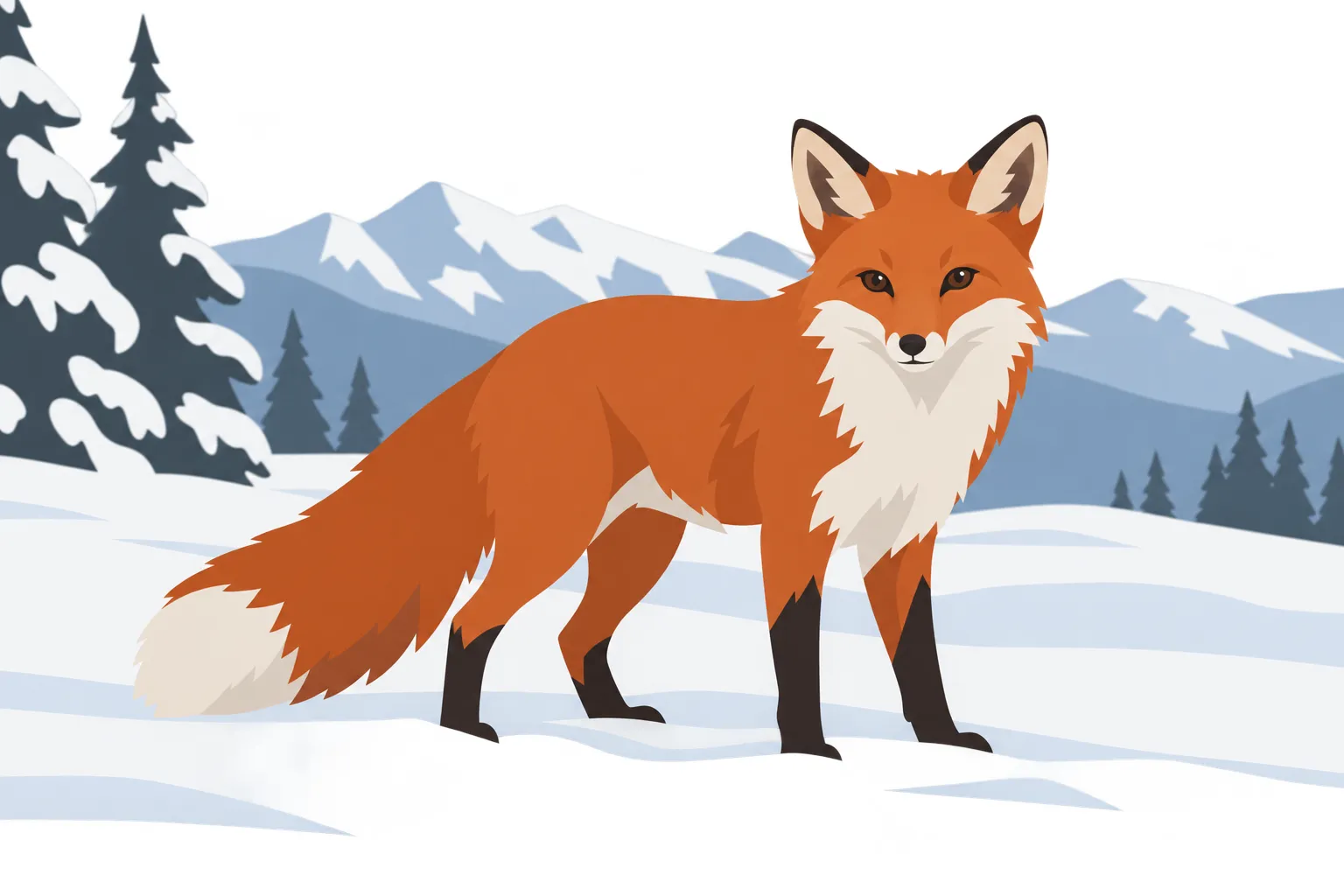
codex-img "a red fox in snow, flat vector" -o fox.png
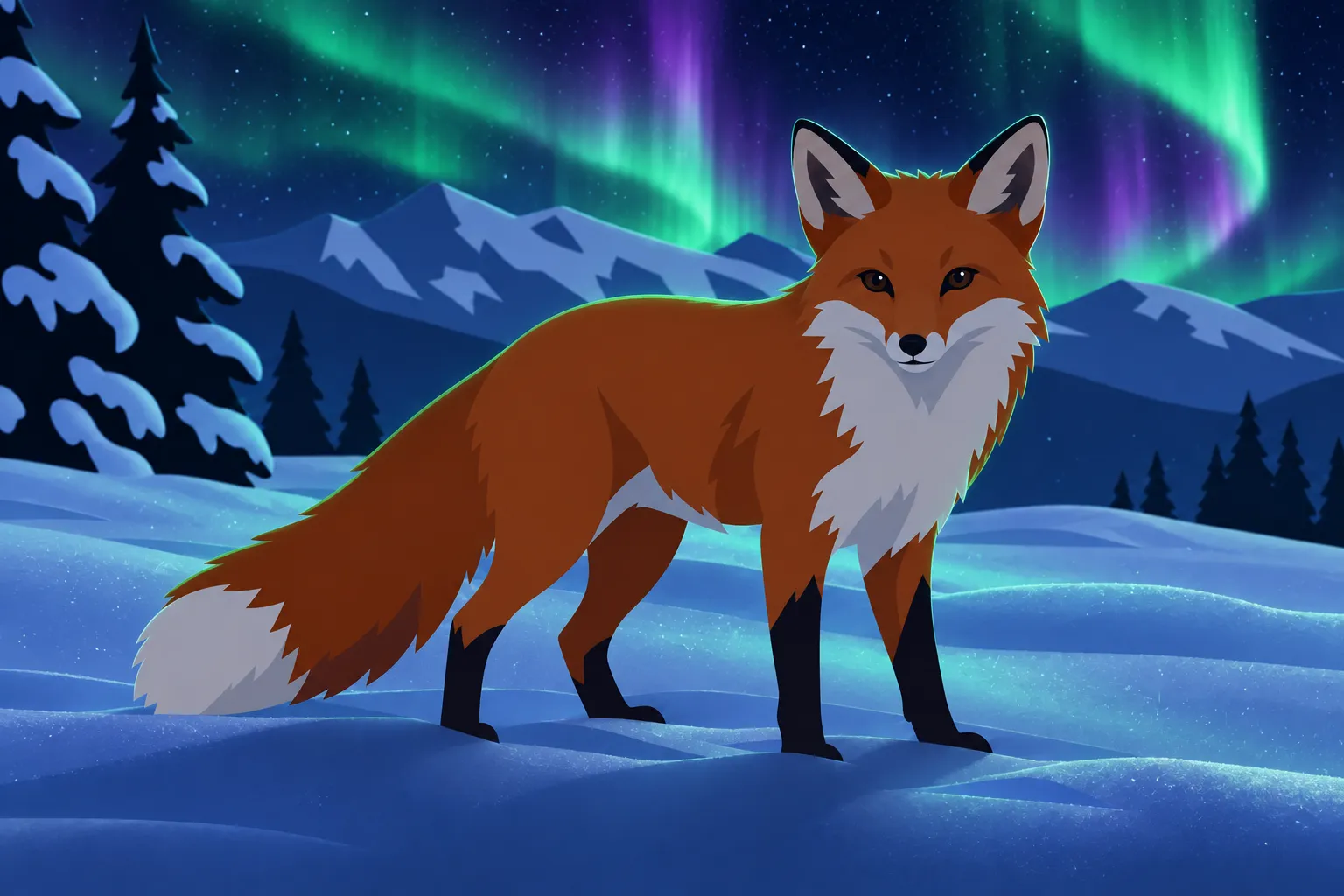
codex-img "make it night with aurora" -i fox.png -o fox-night.png
These are the images those two commands produced, with the prompts exactly as written, converted to lossy WebP for this page (1.2 MB and 1.5 MB became 41 KB and 78 KB). The first took 33 seconds:
The second passes the first as a reference with -i. The edit kept the fox, its pose and the whole composition, and changed only the lighting and the sky:
Why
My subscription includes image generation, but in the terminal the usual way to use it is to ask the Codex agent to draw something. That puts a chat model between me and the image model, and it may rewrite the prompt on the way. I wanted one command, one request, and my prompt reaching the image model exactly as written.
The other reason is coding agents. When Claude Code needs an icon or a cover for something it's building, it should be able to call a CLI and get a file back, like any other tool.
What I learned about the endpoint
The endpoint accepts a prompt, size, quality, background and up to five reference images. It follows some of them more loosely than you'd expect:
sizeis a hint. A1536x1024request has come back at 1536x1024 and also at 1370x1148. The shape you describe in the prompt seems to count for at least as much: the cover of this post asked for "a very wide 2.3:1 banner" and came back at 1902x827.- The model field is ignored. The backend picks the image model itself, and the Codex CLI hardcodes the name anyway.
- Quality is capped at medium on the subscription.
backgrounddefaults to the backend's choice, and that can be transparent. I didn't ask for transparency in the fox above, but--jsonreported"background":"transparent": the sky came back partly see-through, which looks like black smudges in most viewers. Flattened onto white (which codex-img does when it writes JPEG), it's the clean image you see here. Pass-b opaquewhen you need a solid background.- It doesn't validate anything. Unknown values are silently ignored, so codex-img checks every option before sending, instead of spending quota on a request that quietly did something else.
codex-img only reads ~/.codex/auth.json, and it never refreshes the token. Refresh tokens rotate, so refreshing from a second program could log Codex itself out. If the login has expired, codex-img exits with code 2 and asks you to open Codex, which renews it.
Built for agents
Paths go to stdout, progress to stderr, and --json prints one line per image with its path, size and timing. Every kind of failure has its own exit code: 2 for login, 3 for quota, 4 for moderation. The repository includes an Agent Skill that tells Claude Code and Codex how to use all this. It covers when to spend quota (only when you asked for an image), not to retry a quota or login error, to look at the result before reporting back, and how to write prompts for the image model.
The skill also works without the binary. It comes with a small Python script that uses only the standard library and speaks the same flags, exit codes and JSON, but writes PNG only. Copying the skill folder into ~/.claude/skills is enough to get started.
Smaller files
The endpoint always returns PNG, and a 1536x1024 PNG is usually close to 1 MB. So I added local conversion to the binary. Here's one generated image, a flat red paper plane, in each output:
| Output | Size |
|---|---|
| PNG from the backend | 946 KB |
| PNG, recompressed losslessly (every PNG gets this now) | 462 KB |
| JPEG, quality 90 | 82 KB |
PNG, 256 colours (-c 256) | 137 KB |
PNG, 64 colours (-c 64) | 8 KB |
WebP, lossy at quality 80 (the default for -f webp) | 7.5 KB |
WebP, lossless (--lossless) | 469 KB |
The palette option works like pngquant and keeps transparency, so it's a good fit for icons and stickers. This sticker was generated with -b transparent and reduced to 64 colours, from 898 KB to 128 KB. It sits directly on the page, with no background of its own:
codex-img "sticker of a sleepy orange cat curled up, thick white border, flat vector" -b transparent -o cat.png
codex-img convert cat.png -c 64          # -> cat.min.png

The transparency wasn't perfectly clean: faint, almost invisible specks floated outside the white border, and they showed up on this site's dark background. I cleared pixels under 35% opacity with ImageMagick before reducing the colours.
One thing surprised me: dithering, which is normally on in tools like this, made the paper plane's 64-colour version 109 KB instead of 13 KB (both before recompression). The dither noise spreads across the flat background and compresses badly, so in codex-img dithering is off unless you ask for it with --dither.
All of this also works on images you already have, with no login and no quota:
codex-img convert hero.png -o hero.webp
codex-img convert icon.png -c 64        # -> icon.min.png
The cover
The cover of this post came from codex-img on the first try:
codex-img - -s 1536x1024 -o cover.png --json <<'EOF'
Wide banner cover image for a developer tool's project page. Deep
charcoal-to-plum background with a soft radial glow in the center...
In the exact center, a single glossy macOS-style app icon: a rounded
squircle with a warm coral-to-orange gradient, with a terminal prompt
chevron ">" and a small picture-frame symbol...
EOF
It also showed me a gap. At first codex-img could only write lossless WebP, and lossless formats struggle with smooth gradients: the cover came out at 623 KB, slightly bigger than the PNG. So I added lossy WebP, using libwebp. The cover on this page is now codex-img convert cover.png -f webp, and it's 7.3 KB. For flat art the palette PNG is about as small and keeps exact colours; for gradients and photos, lossy WebP wins.
Try it
Download the binary for macOS or Linux from the latest release, put it on your PATH, and log in once with codex login using your ChatGPT account. codex-img status checks the login without using any quota. Format conversion, lossy WebP, palette PNGs and convert are on main and will be in the next release. Until then, ./scripts/install.sh builds from source and links the skill into Claude Code and Codex.
This isn't an official API. It's the backend the Codex CLI uses, so it can break when OpenAI changes it. It's Apache-2.0 licensed.